
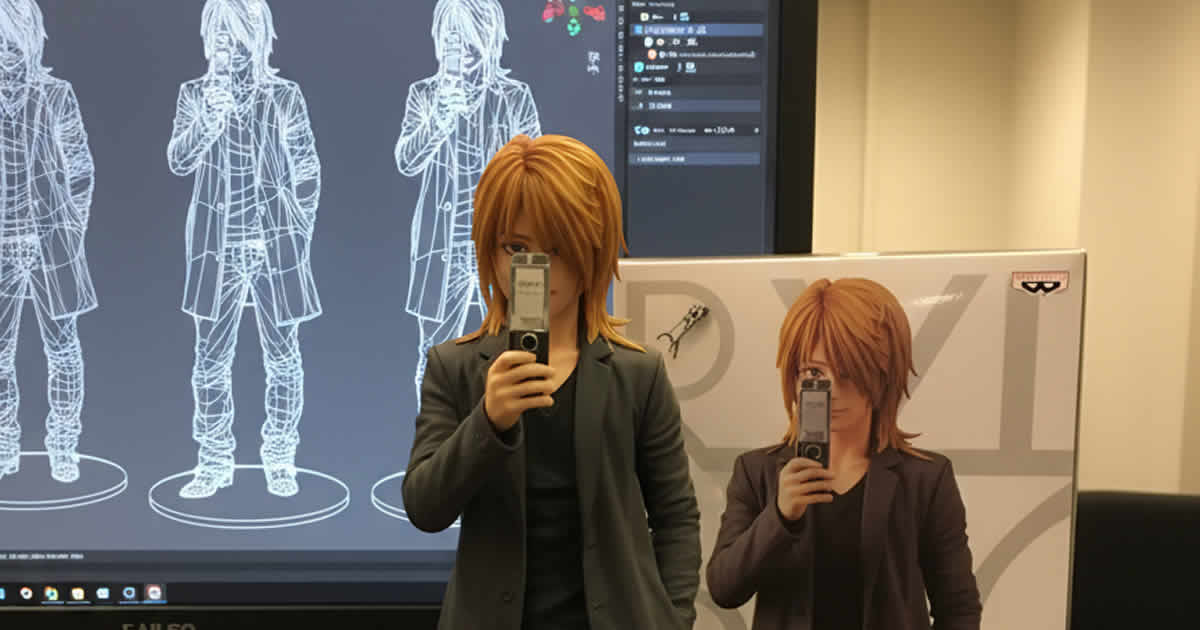
最近話題の 全身の写真からフィギュア化した画像を作る
プロンプトとフィギュア画像生成方法
Gemini アプリを使ったフィギュア画像生成
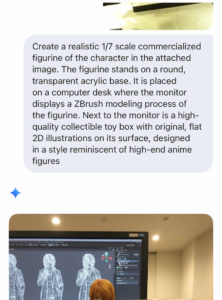
Gemini アプリに画像をアップし、下記のプロンプトを入れると
フィギュア化した画像が生成できます
元画像をアップロードとプロンプト入力
- 自分の全身画像をアプリにアップロード
- 下記のプロンプトを入力する
Create a realistic 1/7 scale commercialized figurine of the character in the attached image. The figurine stands on a round, transparent acrylic base. It is placed on a computer desk where the monitor displays a ZBrush modeling process of the figurine. Next to the monitor is a high-quality collectible toy box with original, flat 2D illustrations on its surface, designed in a style reminiscent of high-end anime figures
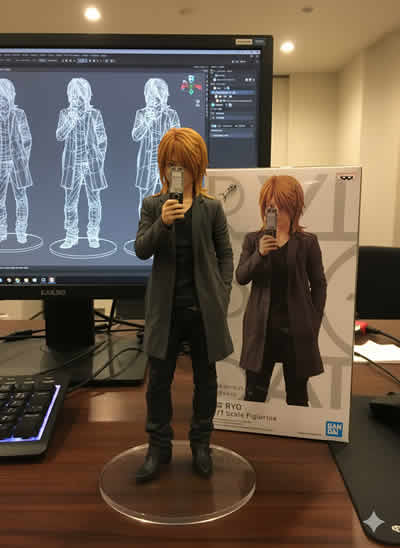
全身のフィギュア画像が出来上がります
完成した画像
上記プロンプトを使って フィギュア画像を生成した結果
画像プロンプトに含める要素
Figurine: 提供された写真のキャラクターのリアルな1/7スケールのフィギュア
Base: 文字のない丸い透明なアクリルベース
Environment: フィギュアはコンピューターのデスクの上に設置)
Computer Screen: モニターには、フィギュアの 3D モデリング プロセス
(ZBrush モデルなど) が表示されている
Packaging: コンピュータの横に、オリジナルの2Dフラットイラストを
あしらった高品質のコレクター向けパッケージボックスを置く
Design Style: 全体的な美観は現実的であるべきで、
パッケージは高級なコレクターズアイテムに似ている必要があります。