SwiftUI split カンマ区切りなどの文字列を区切る場合

SwiftUI split components

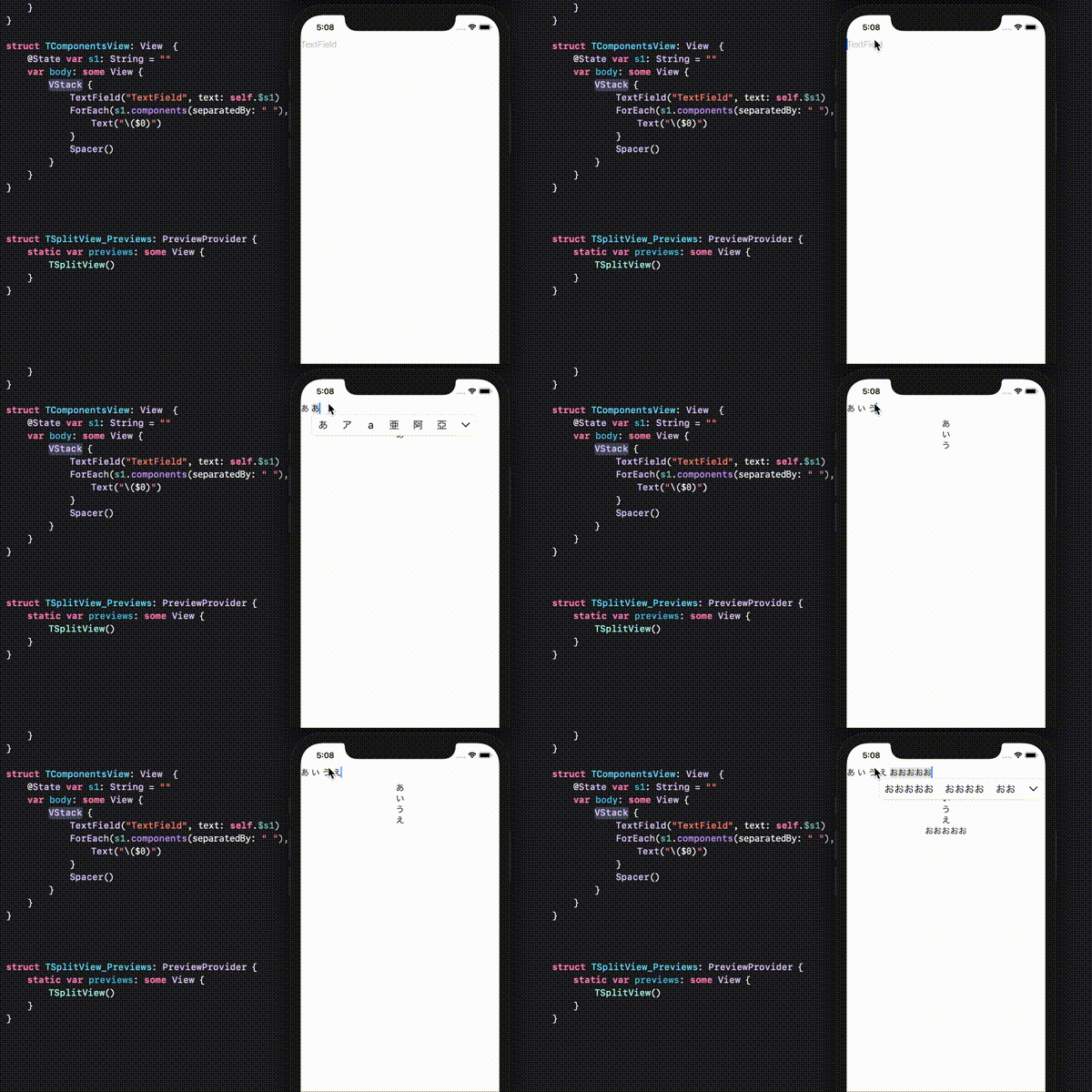
Swiftの文字列Split区切り処理にはsplitとcomponentsがある。わたしの認識したこの2つの違いは戻り値がsplitの場合は[Substring]でcomponentsは[String]ということです。componentsを使い文字列を区切った処理するSwiftUIの場合、下記のようなコードです。

struct TComponentsView: View  {
    @State var s1: String = ""
    var body: some View {
        VStack {
            TextField("TextField", text: self.$s1)
            ForEach(s1.components(separatedBy: " "), id: \.self){
                Text("\($0)")
            }
            Spacer()
        }
    }
}

splitの場合下記のコードです。

struct TSplitView: View {
    @State var s1: String = ""
    var body: some View {
        VStack {
            TextField("TextField", text: self.$s1)
            ForEach(s1.split(separator: " "), id: \.self.description){
                Text("\($0.description)")
            }
            Spacer()
        }
    }
}

firstIndexのIndex?to Int変換

utf16Offset

Swiftの文字列検索で使うfirstIndex()やlastIndex()はelement引数にCharacterすることでIndex?が返ります。この場合Int型ではなくIndexなので確認すると下のようなデータです。

Index(_rawBits: 65793)

Index型なので操作には問題ありませんが、Intに変換したい場合があります。この場合encodedOffsetを使うというサイトを見かけますが下記のようなメッセージがでます。

encodedOffset has been deprecated as most common usage is incorrect. Use utf16Offset(in:) to achieve the same behavior.
encodedOffsetは非推奨
encodedOffsetは非推奨

encodedOffsetは非推奨になったようでutf16Offset<S>(in s: S) -> Intをつかったほうがいいようです。たとえば下記のような”#”などをハッシュタグとして判断したい場合、何文字目に”#”が入っているのか確認できます。

let seven:String = "ウルトラ#セブン"
let i:Int = seven.firstIndex(of: "#")!.utf16Offset(in: seven)
print (i)

このコード内変数iには4が入ります。

SwiftUI スクリーンサイズ取得 UIScreen

UIScreenサイズ取得

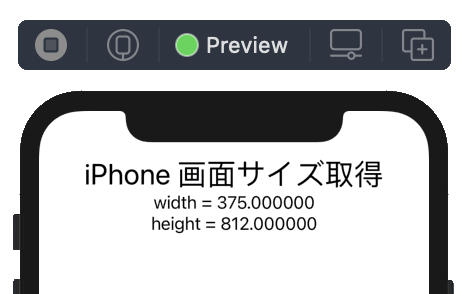
SwiftUIで、UIScreenを使うとスクリーンサイズが取得できます。UIScreen.mainがinternal screenです。 UIScreen.main.boundsはCGRectでsize: CGSizeが入っています。このsizeからスクリーン縦横幅が取得できます。

struct TScreen: View {
    @State var screen: CGSize!
    var body: some View {
        VStack {
            Text("iPhone 画面サイズ取得").font(.title)
            if screen != nil {
                Text("width = \(screen.width)")
                Text("height = \(screen.height)")
            }
            Spacer()
        }.onAppear(){
            screen = UIScreen.main.bounds.size
        }
    }
}