Node.jsを使って、 AWSのDynamoDB テーブル内をスキャンする
予め、 npm init を完了させて 下↓のコマンドで aws-sdk を インストールしておきます。
npm install aws-sdk
下のコードは シンプルな Scan コード例です
const aws = require('aws-sdk');
const tableName = "テーブル名"
let dynamoDB = new aws.DynamoDB.DocumentClient({
    region: 'ap-northeast-1'
})
let DynamoDBScanAll = async () => {
    return await dynamoDB.scan({TableName: tableName}).promise()
}

Promise.all([DynamoDBScanAll()]).then((threadList) => {
    threadList.forEach(scanAllRes => {
        let res = JSON.stringify(scanAllRes.Items)
        console.log(res)
    })
})
上記コードの場合 「1 回の Scan リクエストで、最大 1 MB のデータを取得」 なので 全件数を 取得できません。
テーブル内の全レコード Scan する場合の コード例
下↓の コード例は、 LastEvaluatedKey == nullになるまで ループし スキャンを続けます。
const aws = require('aws-sdk');
const tableName = "テーブル名"
let dynamoDB = new aws.DynamoDB.DocumentClient({
    region: 'ap-southeast-2'
})
let DynamoDBScanAll = async () => {
    let ScanAll = []
    let LastEvaluatedKey = null;
    let loop = true
    try{
        while(loop){ //ループ開始
            let scanRes = {};
            let param = {TableName: tableName, ExclusiveStartKey: LastEvaluatedKey};
            scanRes = await dynamoDB.scan(param).promise() //スキャン実行
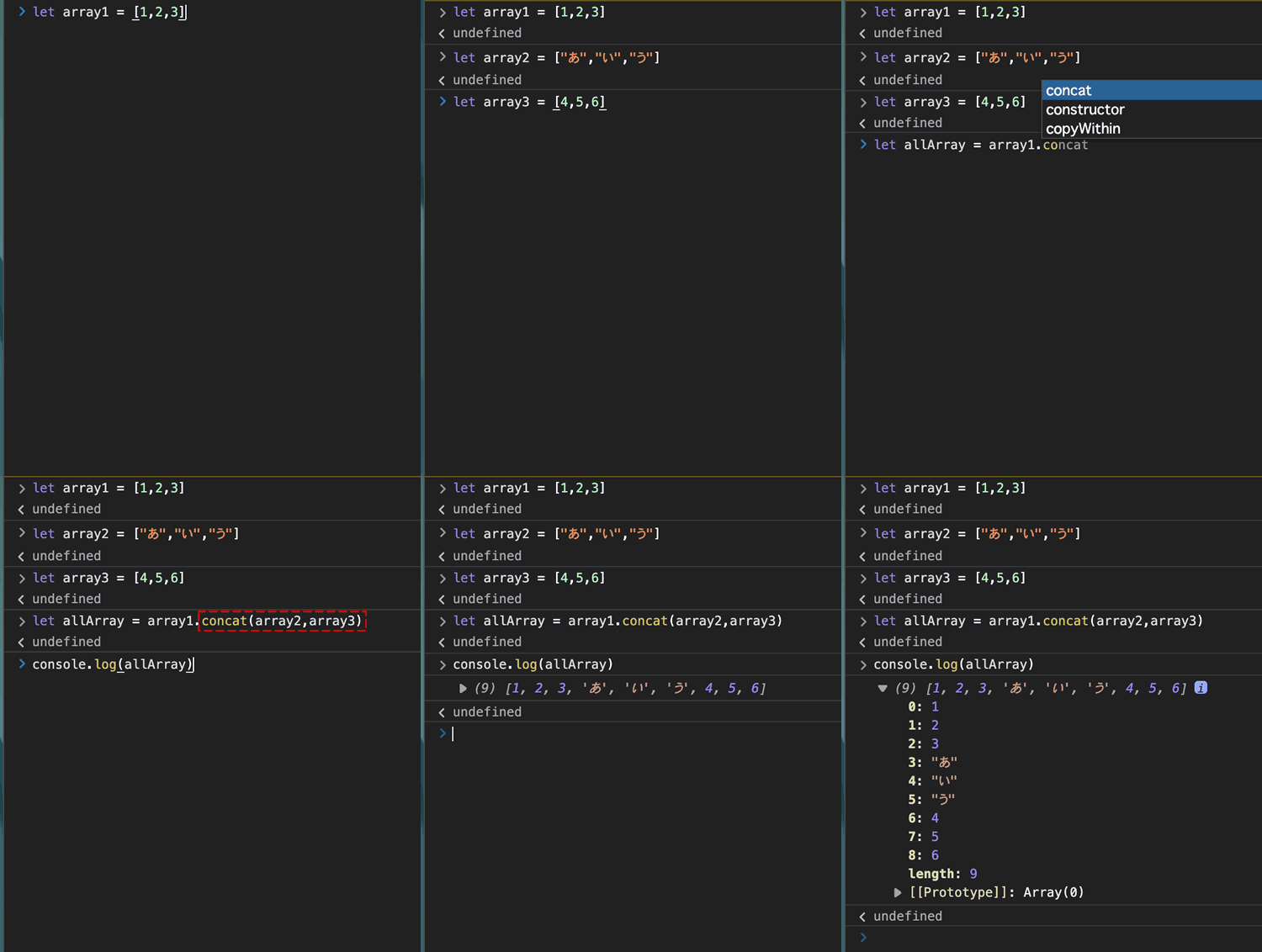
            ScanAll = ScanAll.concat(scanRes.Items) //配列結合
            LastEvaluatedKey =  (scanRes['LastEvaluatedKey'] != null) ? scanRes['LastEvaluatedKey'] : null
            if (LastEvaluatedKey == null) //LastEvaluatedKeyがnullならループ終了
                loop = false
            else
                console.log(JSON.stringify(LastEvaluatedKey))
        }

    } catch(e){
        console.log(e)
    }
    return ScanAll
}

Promise.all([DynamoDBScanAll()]).then((threadList) => {
    threadList.forEach(scanAllRes => {
        let res = JSON.stringify(scanAllRes)
        console.log(res)
    })
})
2回目以降のスキャンは、 scanパラメータに ExclusiveStartKeyを含め処理します。